
fomo codes / how to use fomo
Guide
how to use fomo
From download to first withdrawal. Where to enter the promo code, how to fund the account without losing money to the wrong network, and how the social features actually work.
1. get the app
fomo runs on iOS, Android and the web at fomo.family. They share one account: you can open a position on your phone and close it on your laptop. Download from the App Store or Google Play, or just open the web app. Don't install fomo from any other source; fake APKs are a known scam vector.
Using this link takes you straight to sign-up with the referral attached.
2. create the account and enter the promo code
Sign in with Apple, Google or email. There's no wallet to set up: fomo creates one for you in the background.
This is the step people get wrong. The promo code field appears during onboarding. Enter TRADINGFEE there. It halves your trading fee to 0.25% for the life of the account, and it cannot be added after the account exists.
3. deposit
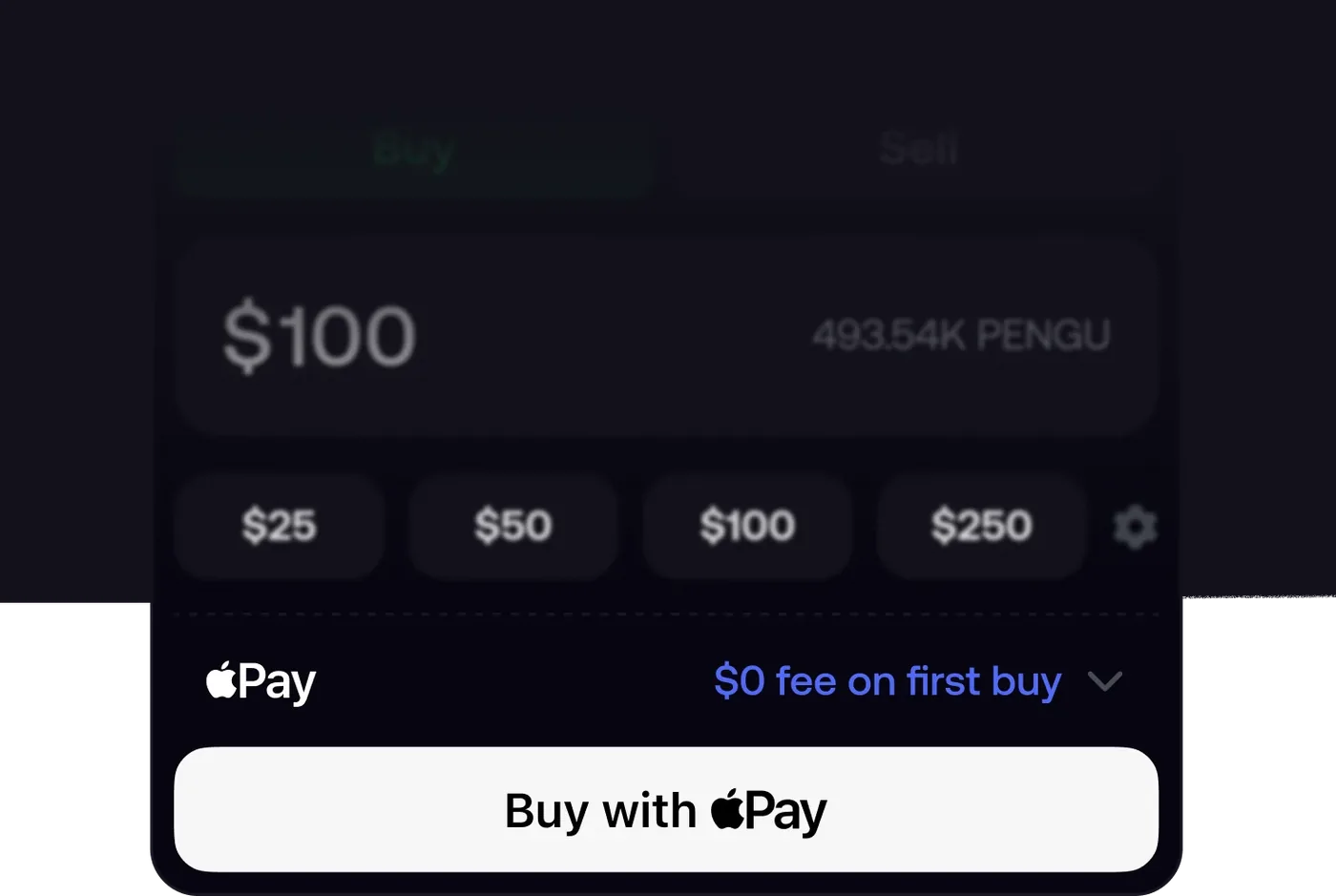
Tap Deposit on the home screen. Three options:
- Apple Pay — fastest. Funds are available immediately.
- Debit card — same, with a card-processing fee shown at checkout.
- Crypto — fomo shows you a deposit address. Send USDC only, and only on one of the networks fomo lists (Solana, Base and others shown in the app). Sending any other token, or the right token on the wrong network, loses the funds permanently. Send a small test amount first if you're unsure.
Your balance is a single dollar balance across all chains. You don't need to hold SOL or ETH for gas; fomo covers it everywhere except Ethereum mainnet.
4. buy a token
Search by name, ticker or contract address, or browse the Verified, Trending and Gainers tabs. Verified is the safest place to start: it filters out most of the obvious rugs.
On a token page you'll see price, market cap, 24h change, volume, liquidity and holder count, plus a chart with markers showing where top traders bought and sold. Enter a dollar amount (or tap a preset like $25 / $50 / $100) and hit Buy. The fee is shown before you confirm.
Two things to check before buying anything new:
- Liquidity. If liquidity is tiny relative to your order, you'll get bad slippage on the way in and may struggle to sell on the way out.
- Who else holds it. The Holders tab shows which traders are in the token and at what entry. A token with no recognisable names in it is a token nobody has vetted.
5. sell
Open the token, tap Sell, choose an amount or percentage, confirm. Proceeds land in your dollar balance. Selling is charged at the same rate as buying.
If a sell fails, it's almost always a liquidity problem with the token, not the app: there isn't enough on the other side of the trade at that price. Try a smaller amount, or wait for volume. This is the most common complaint in fomo reviews and it's a memecoin problem, not a fomo-specific one, but it's a real risk. See is fomo legit?.
6. use the social side
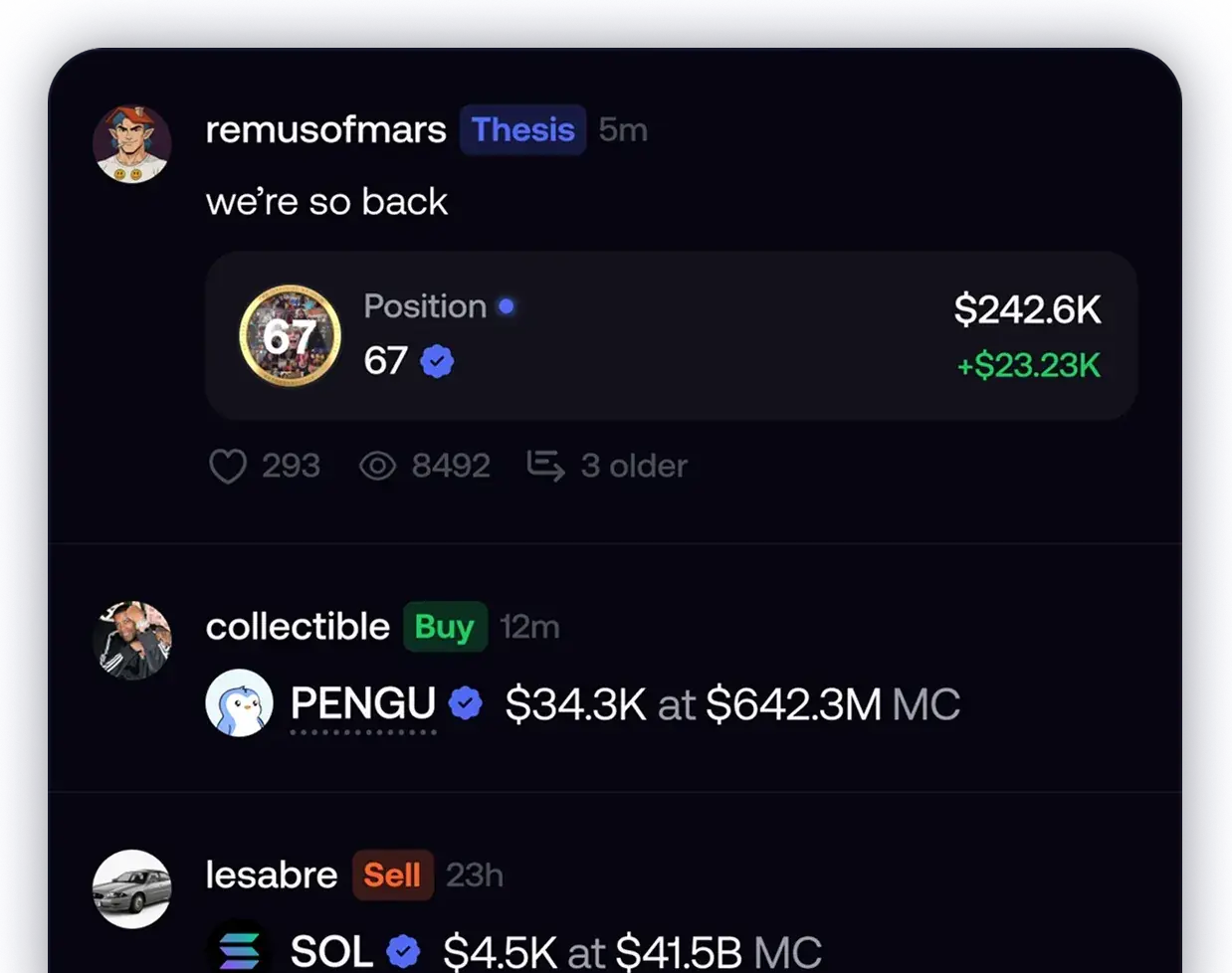
This is what separates fomo from a plain swap app.
- Leaderboard ranks traders by realised profit. Use it to find people worth following rather than as a signal to copy blindly.
- Feed shows every buy, sell and thesis from people you follow, with the actual position attached. Connect X to find people you already know.
- Alerts notify you when a set number of top traders pile into a token. Turn these on; they're the best early signal in the app.
Following someone shows you their trades. It doesn't auto-copy them, so you still decide every entry and exit.
7. withdraw
You can't withdraw a memecoin to a bank. Sell first, then withdraw from your balance:
- To a wallet. Choose crypto, pick the network, paste your address. Double-check both; a transfer to the wrong network is unrecoverable.
- To a bank. Available in some regions. Link the account, enter the amount, expect up to 3 business days. The first withdrawal may trigger identity verification, so do a small one early.
quick checklist
- Install from the App Store, Google Play, or fomo.family only.
- Enter
TRADINGFEEduring sign-up. - Deposit via Apple Pay, or USDC on a supported network.
- Start in the Verified tab; check liquidity and holders before buying.
- Turn on top-trader alerts.
- Do a small test withdrawal before you need a large one.
faq
Where do I enter a promo code on fomo?
During account creation, in the referral or promo code field. Enter TRADINGFEE there before you finish onboarding. Codes can't be added later.
Can I use fomo on desktop?
Yes. fomo has a web app at fomo.family alongside the iOS and Android apps, and your account and positions are shared across all of them.
What can I deposit into fomo?
Apple Pay, debit card, or USDC sent to your fomo deposit address on a supported network. Only send USDC, and only on a network fomo lists.
How do I withdraw from fomo?
Sell the token first so the value is in your balance, then withdraw USDC to an external wallet or, in supported regions, to a bank account. First withdrawals may need verification.